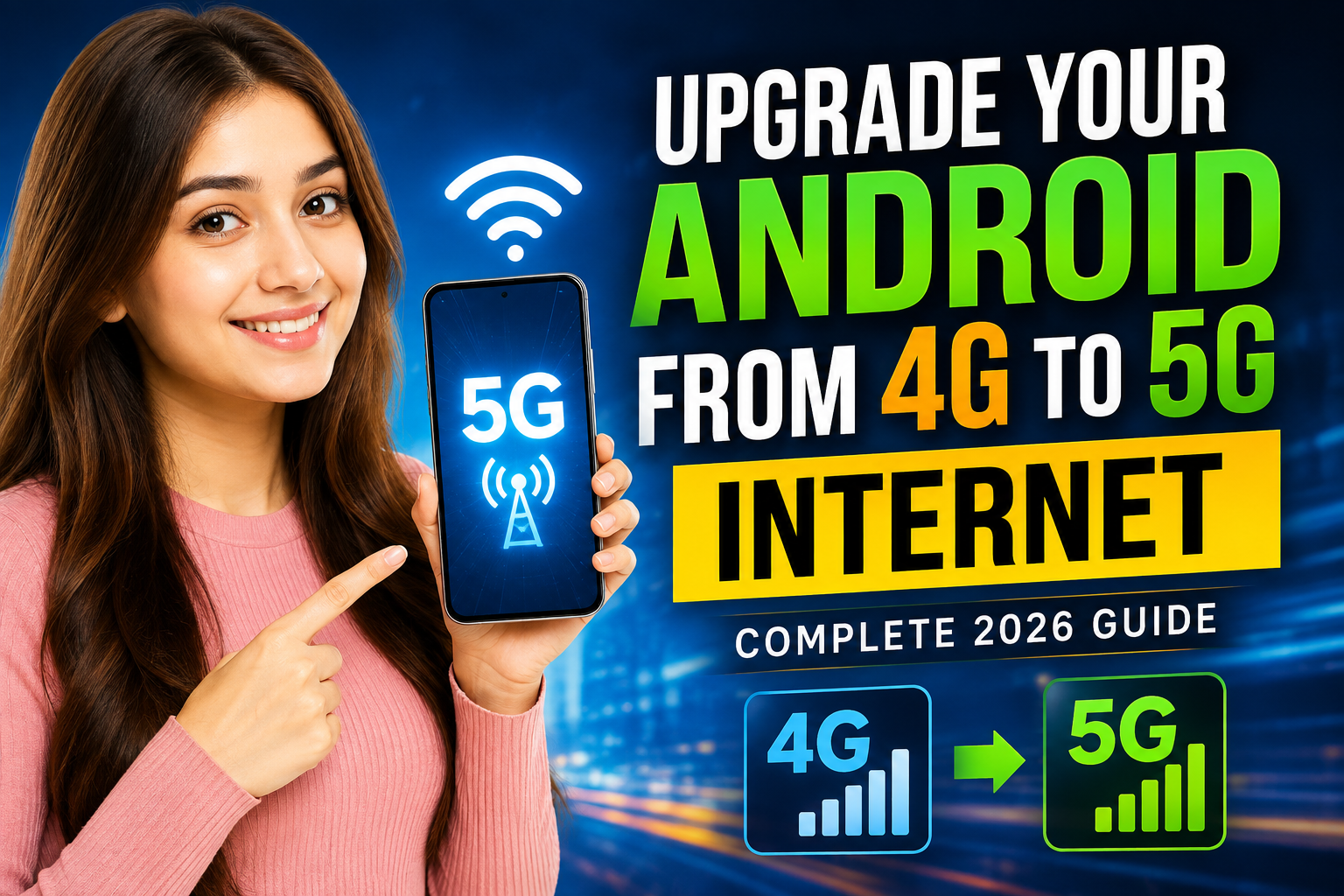
As mobile technology continues to evolve, 5G has become the new standard for faster and more reliable internet connectivity. With improved download speeds, lower latency, and better overall network performance, many Android users are wondering whether they can upgrade their existing 4G connection to 5G.
The truth is that switching from 4G to 5G depends on several important factors, including your smartphone hardware, mobile network provider, SIM card compatibility, and local network coverage. In this complete 2026 guide, you’ll learn exactly how 5G works, whether your Android phone supports it, and what steps are required to start using a 5G network.
Understanding 5G Technology
5G stands for the fifth generation of mobile network technology. It was developed to provide significantly faster internet speeds and more efficient communication between devices compared to previous network generations.
Key advantages of 5G include:
- Ultra-fast download and upload speeds
- Reduced network latency
- Better video streaming quality
- Smoother online gaming experience
- Improved video calling performance
- Enhanced connectivity for smart devices
As more telecom companies expand their 5G infrastructure, users can enjoy a more responsive and reliable internet experience.
Can Any Android Phone Be Upgraded to 5G?
The simple answer is no.
A smartphone must be manufactured with a built-in 5G modem and compatible hardware. If your Android device was originally released as a 4G-only model, no app, software update, or secret setting can physically convert it into a 5G phone.
Many online claims suggest that certain applications can unlock 5G on older devices, but these claims are misleading and technically impossible.
How to Check If Your Android Phone Supports 5G
Before trying to enable 5G, verify whether your device includes 5G support.
Follow these steps:
- Open Settings
- Tap About Phone
- Select Device Information or Specifications
- Check the listed network capabilities
You can also search your phone model online to confirm whether it was released with 5G support.
Requirements for Using a 5G Network
To access 5G internet on Android, you need all of the following:
A 5G-Compatible Smartphone
Many modern Android phones support 5G, including selected models from:
- Samsung Galaxy Series
- Google Pixel Series
- Xiaomi Smartphones
- OnePlus Devices
- Vivo Smartphones
- Realme Phones
- Oppo Smartphones
- Motorola 5G Models
A 5G-Enabled SIM Card
Most mobile carriers now provide SIM cards that support 5G connectivity. If your SIM card is several years old, you may need to request a replacement from your network provider.
Active 5G Coverage
Even with a compatible phone and SIM card, 5G will only work in areas where your carrier has deployed 5G towers and infrastructure.
How to Enable 5G on an Android Phone
If your smartphone already supports 5G, enabling it is usually straightforward.
Step 1: Open Phone Settings
Launch the Settings app on your Android device.
Step 2: Navigate to Mobile Network Settings
Go to:
Network & Internet → Mobile Network
or
Connections → Mobile Networks
depending on your device brand.
Step 3: Find Preferred Network Type
Locate the option labeled:
Preferred Network Type
or
Network Mode
Step 4: Select a 5G Option
Choose one of the following options if available:
- 5G Auto
- 5G Preferred
- 5G/4G/3G/2G Auto
- NR/LTE Auto
Once selected, your device will automatically connect to available 5G networks.
Major Benefits of Switching to 5G
Faster Downloads
Applications, software updates, movies, and large files can download much quicker compared to traditional 4G networks.
Better Video Streaming
5G improves streaming quality for:
- YouTube
- Netflix
- Disney+
- Live Sports
- 4K and HDR Content
Improved Online Gaming
Lower latency means faster response times and reduced lag during multiplayer gaming sessions.
Enhanced Video Calls
Video calls become smoother with better image quality and fewer interruptions.
Faster Cloud Backup
Photos, videos, and documents upload more quickly to cloud storage services.
Reasons Why 5G Is Not Showing on Your Phone
If you expected to see a 5G option but cannot find it, one of these reasons may be responsible.
Your Device Only Supports 4G
A phone without 5G hardware cannot connect to 5G networks regardless of software settings.
Outdated System Software
Manufacturers occasionally release updates that improve network compatibility. Make sure your Android version is fully updated.
Network Provider Restrictions
Some telecom companies require a specific data package or subscription plan before enabling 5G access.
Limited Coverage Area
If there are no nearby 5G towers, your phone will automatically connect to 4G networks.
SIM Card Compatibility Issues
An older SIM card may not support the latest network technologies and could require replacement.
Common Myths About 4G to 5G Upgrades
Myth 1: An App Can Turn a 4G Phone Into a 5G Phone
False.
Applications cannot install missing hardware components required for 5G connectivity.
Myth 2: Secret Android Codes Unlock 5G
False.
Codes may reveal hidden settings but cannot create hardware support where none exists.
Myth 3: Every Software Update Adds 5G Support
False.
Software updates can improve compatibility but cannot replace a physical 5G modem.
Tips for Getting the Best 5G Performance
To maximize your 5G experience:
- Keep Android updated regularly.
- Use a genuine 5G-supported SIM card.
- Enable automatic network selection.
- Avoid using battery saver mode while testing 5G speeds.
- Stay within areas that have strong 5G coverage.
- Restart your device after changing network settings.
Frequently Asked Questions
Can I Convert My Existing 4G Phone Into a 5G Phone?
No. A smartphone requires dedicated 5G hardware that cannot be added through software.
Is 5G Really Faster Than 4G?
Yes. In most situations, 5G delivers higher speeds, lower latency, and better network efficiency.
Do All SIM Cards Support 5G?
Not always. Some older SIM cards may need replacement depending on your carrier’s requirements.
Does 5G Use More Battery?
In certain conditions, especially when signal strength is weak, 5G can consume slightly more battery power than 4G.
Power of Siri and Siri on Android Phones – Complete 2026 Guide